Turn a collection of short courses into a useful learning path
A learning path is useful when several courses help someone reach a larger outcome. In Tiny Courses, a flow brings those courses together with an introduction and an order. Start with the learner’s route through the subject, then choose which courses belong.
Updated

In this article
Use a course for one outcome and a flow for the larger journey
A course contains lessons. A flow contains courses. If your material is one explanation with three related activities, a single course may be enough. A flow earns its place when the learner needs separate results at different stages.
For a fictional new-manager programme, one course might help someone prepare a first one-to-one meeting, another practise useful feedback, and a third plan a development conversation. Each course can be useful on its own. Together they give the learner a route through the first weeks in the role.
Write the flow’s promise as clearly as each course’s promise. “Manage your first month with a clear meeting rhythm” gives you a better selection rule than “All our management content”.
Understand how courses and flows fit togetherChoose only the courses needed for that route
List the decisions or tasks the learner will face in order, then map a course to each. Remove a course that repeats an earlier one or belongs to a different audience. A longer catalogue is not automatically a better path.
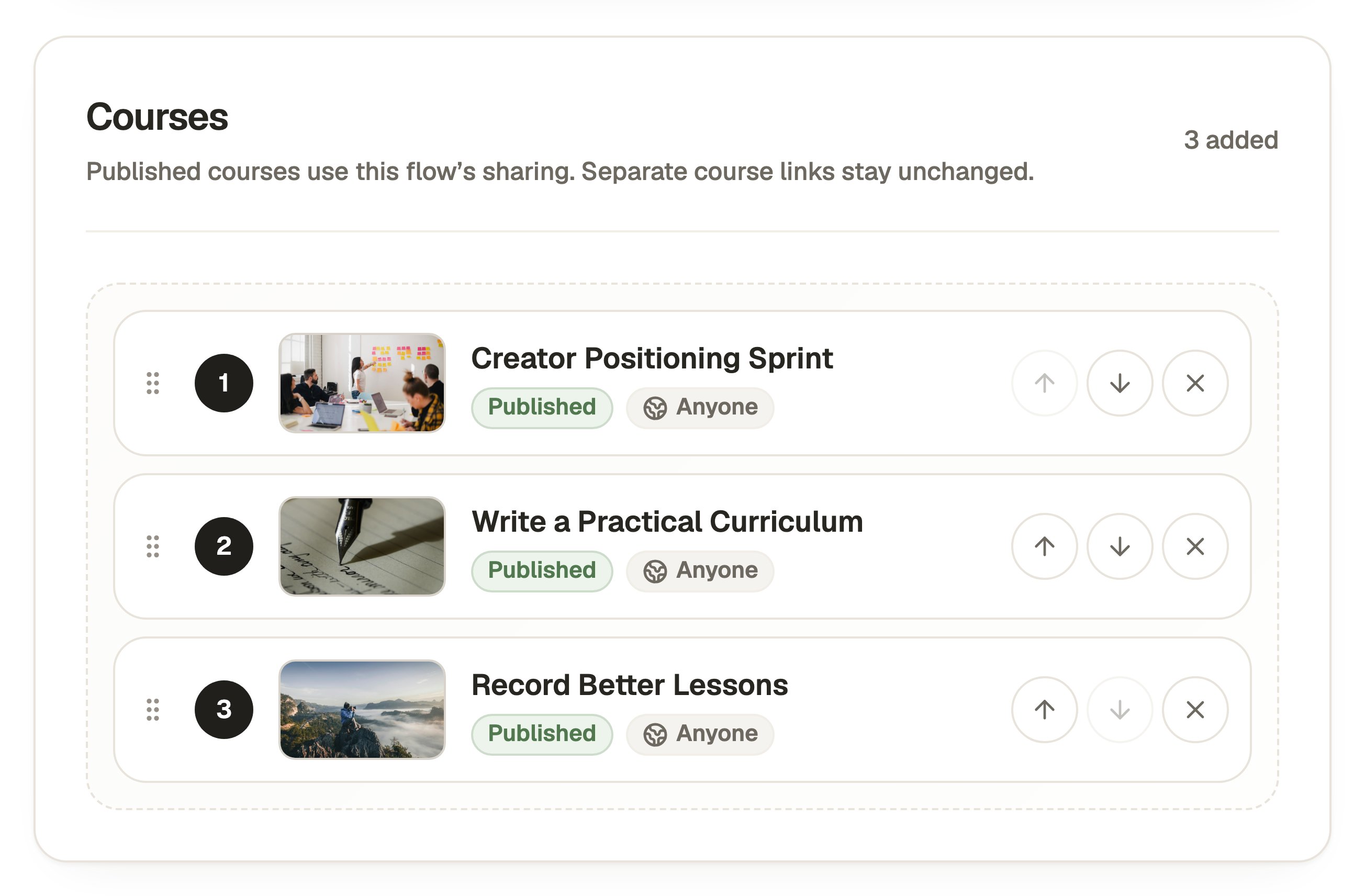
For your first flow, create at least two courses so Create Flow becomes available. Free can hold one draft flow. Publishing a flow requires an eligible paid plan. Open Flows, select Create Flow and add the courses you need. Review their order in the selected list and explain the route in its introduction.
A course can be reused in more than one flow. That saves duplicating the same lesson material, but it also means the reused course has its own publication and the learner retains that course’s progress across flows.
Choose Sequential only when there is a real prerequisite
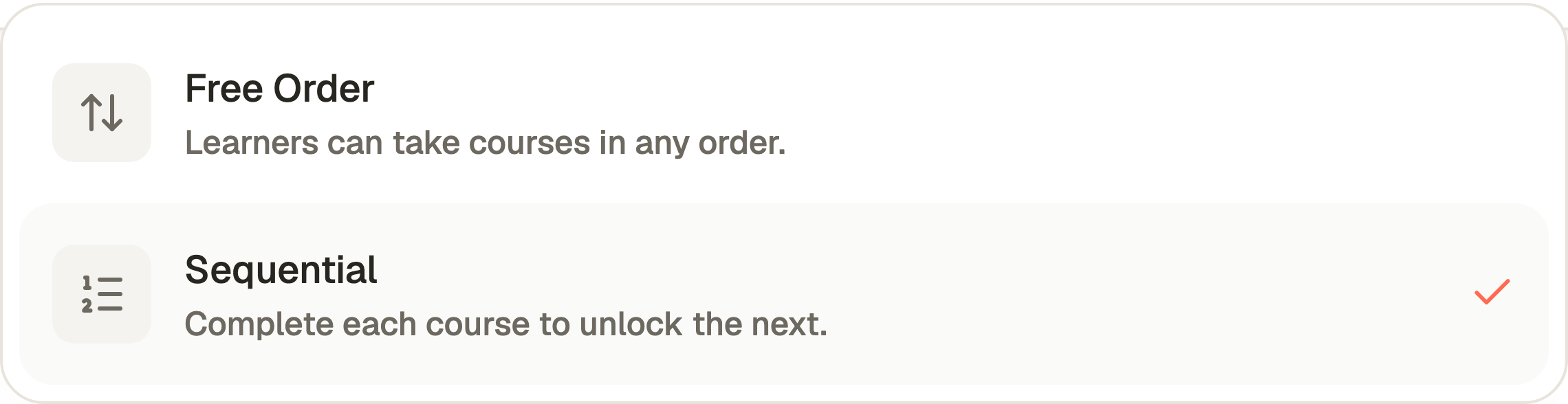
Sequential order requires learners to complete the courses in order. Use it when a later activity depends on the result of an earlier one. Preparing a conversation before practising it is a sensible sequence.
Free Order lets learners choose which course they need. It can suit a reference collection, a set of independent techniques or experienced learners returning to fill one gap. Do not add a completion gate just to make the collection feel more like a programme.
In Order, choose the mode that matches that decision. Preview the route, including how someone moves to the next course. Check the learner experience as well as the course list in the editor.
Treat the flow’s audience and a separate course link as different routes
A flow’s audience applies to courses opened through that flow. The same course’s separate link keeps its own audience. Check both links when you change who should have access.
For a client programme, you might share the flow with Selected People and keep an individual course’s separate link unavailable. For a public collection, you may want standalone courses to remain shareable. Use the settings and messages shown for your account instead of using an unpublished draft link as a workaround.
Saving a sharing change affects access immediately. It does not wait for the next content publication. Keep that distinction in mind when changing access to a path people are already using.
Review flow access and separate course linksPublish the courses and the flow deliberately
Each course keeps its own published content. Publishing the flow does not turn a later unsaved or unpublished course edit into a release. Review the publication screen and any course-publication choices it offers.
The flow also has a saved draft and a published version of its introduction, course list and order. If you reorder the draft, Preview shows the saved change. Republish the flow when you want learners to receive it.
Test the published flow link as an ordinary learner. Your team’s Preview can show drafts and skip learner joining or progression requirements. Check the start, course entry, required activities, completion and next-course action under the intended access.
Follow the flow publication checklistImprove the difficult transition before adding more courses
A learner can understand each course and still be unsure why they should continue. Check the closing message and next action. Explain what the next course helps them do, especially when there is a gap between sessions.
Use Analytics to inspect the relevant course and learner activity, then ask a few learners what they expected at the transition. Joining a flow and joining each course are separate actions. A permitted invitation is not evidence that every course has been started.
Add a new course when it solves a missing learner task. Otherwise, improve the explanation, example or handover already on the path. A small collection with a clear route is easier to use than a growing list with no obvious next move.
Understand joining and progress within a flowKeep reading

How long should an online course be? Start with the task
A practical way to choose the length of a short course, split lessons and leave enough room for practice without padding the content.

Build courses together with Team members
Invite people into a shared account, give them the access they need and keep course work out of a shared login.